Leapfrog Fellowship
An all-in-one platform for running fellowship programs — syllabus building, progress tracking, discussions, and class scheduling for mentors and fellows alike.
- Role
- Senior designer
- Credits
- Multiple designers
- Year
- 2024
- Client
- Leapfrog Technology, Inc.
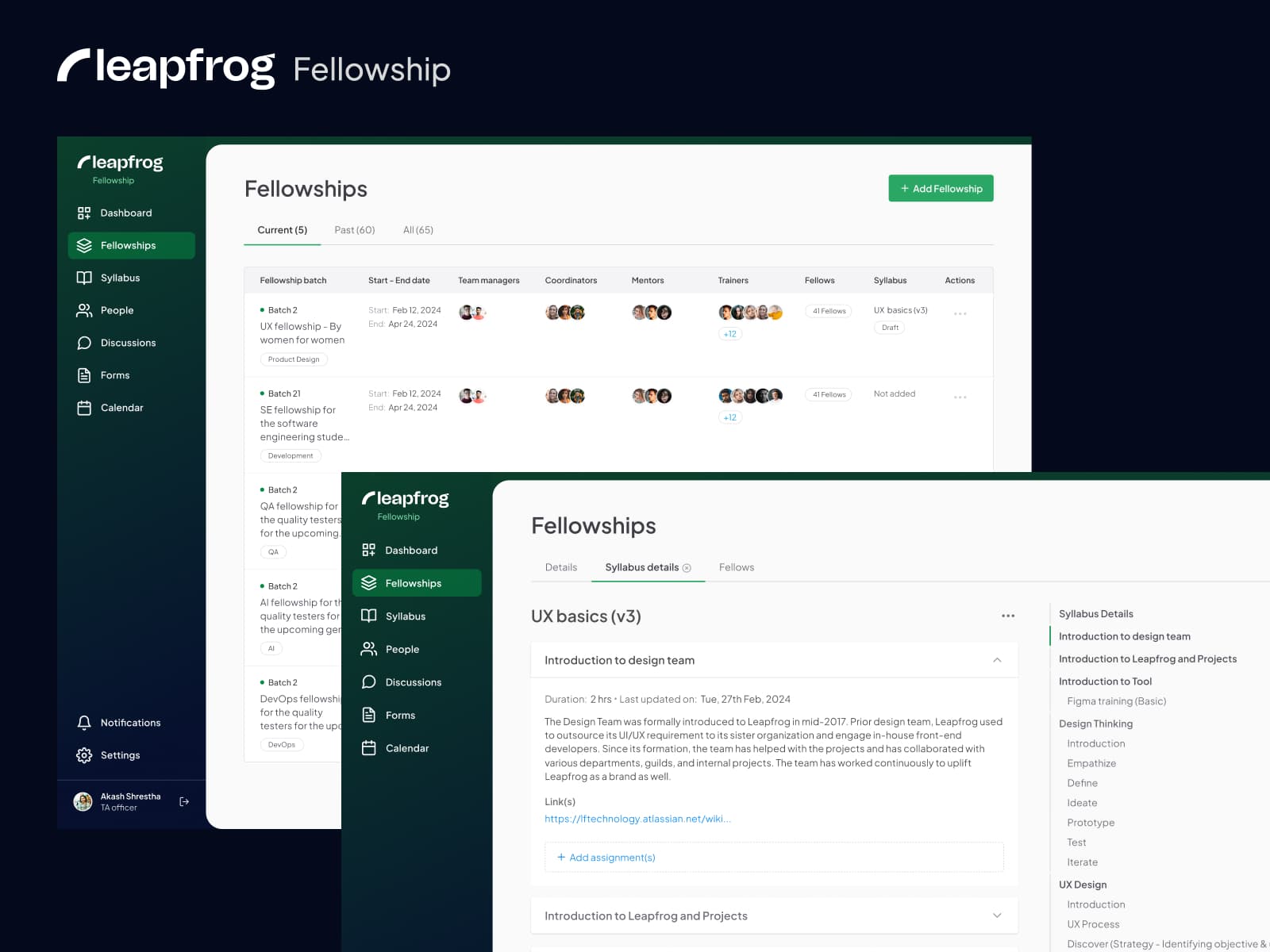
About the project
This was a collaborative project. As part of the design team, I owned the flows around syllabus setup — making sure program admins could configure a fellowship batch without friction, confusion, or the risk of losing progress.
Flows I worked on
This was a collaborative project and I am highlighting the flows I worked on:
Assigning an existing syllabus to the fellowship batch
By dynamically populating the syllabus options based on the selected area, users are presented with choices that are directly applicable to their area, streamlining the decision-making process. Offering tailored syllabus options enhances the user experience by presenting relevant choices — eliminating the need for manual filtering and reducing the likelihood of errors or confusion.
Other enhancements
- Warning alert modal: whenever a user hits cancel, showing them a warning/alert message to reconfirm their action helps the user make an informed decision and prevents accidental errors.
- Auto-save as draft: auto-saving helps users avoid losing their progress, and save-as-draft gives them the flexibility to continue in their own time.
Creating a new syllabus (browser-tab concept)
During the fellowship creation process, the user has the option to create a syllabus from scratch. To simplify navigation, I introduced a browser-tab concept that keeps the context of the whole flow visible while they work.
Other enhancements
- Read-only view mode for reviewing the syllabus: this lets users review the syllabus in a clear, uneditable format before publishing, so they can examine the content for accuracy and comprehension.